
Online
Instagram Story Download
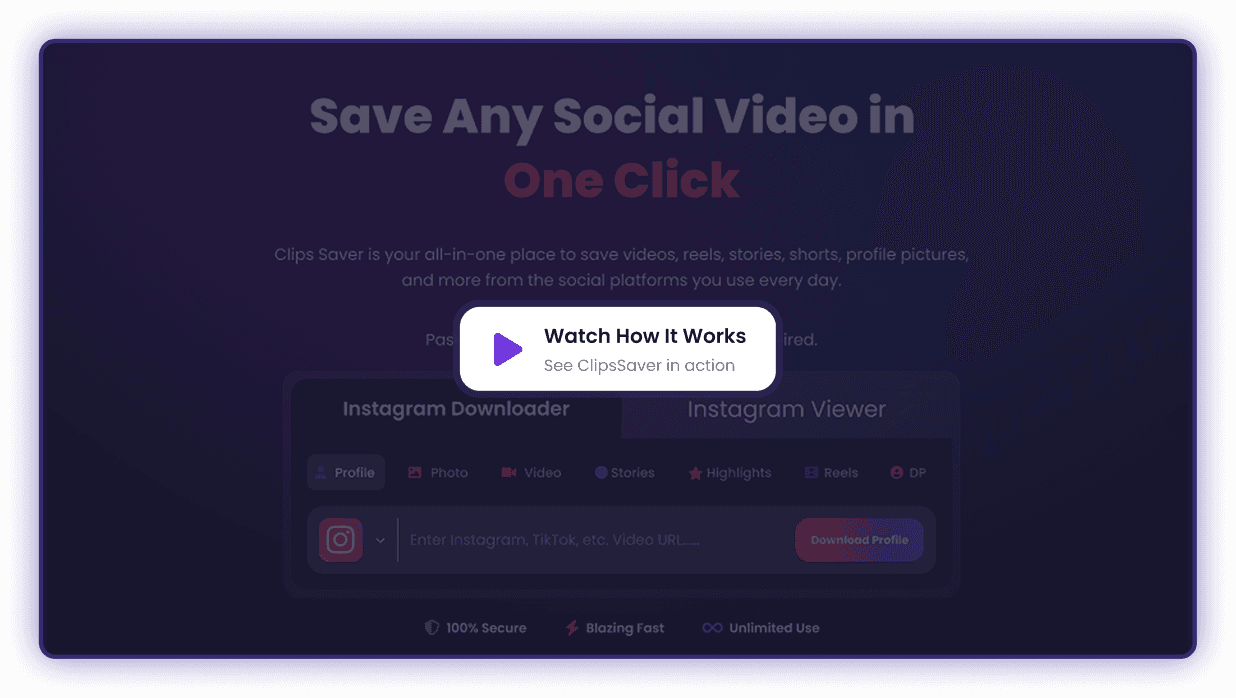
Instantly download Instagram Stories in their original quality. ClipsSaver extracts public Stories, Highlights, and photos directly to your browser. Whether you are saving a single photo, a video, or a curated Highlight, get the highest resolution available in one click.
Paste link → Download in HD → No login required.
 Profile
 Photo
Photo Video
Video Stories
 Reels
Reels Highlights
 PFP
PFPWhy People Use ClipsSaver to Download Instagram Stories
ClipsSaver is built for creators, editors, marketers, educators, and everyday users who want a clean, fast way to download Instagram Stories they’re allowed to save.
Common use cases include:- Backing up your own Stories before they expire
- Saving Story media for offline viewing or personal reference
- Collecting visual inspiration for moodboards and campaign planning
- Keeping a record of public Highlights you already have access to (for lawful use)
Everything happens in your browser—no software to install and no complicated setup. Just copy, paste, preview, and download.
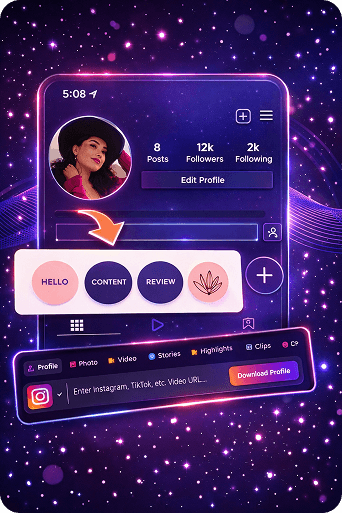
How to Download Instagram Stories with ClipsSaver
Downloading Stories with Clips Saver takes just a few seconds:
Copy the Instagram Story Link
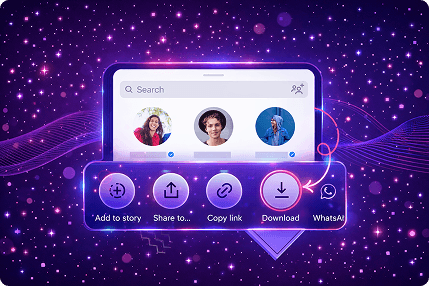
- Open Instagram, tap the Story you want to save, tap the ⋯ menu, and choose “Copy link.


Paste the Link into ClipsSaver
- Go to ClipsSaver and paste the Story link into the input box on the Instagram Stories page.
Download in the Best Available Quality (HD When Available)
ClipsSaver fetches the Story media available for that link. Choose the video or image you want, click Download, and save it to your device.
- Single Story videos and images
- Multi-slide Stories
- Public Story highlights you can see on Instagram
Core Features

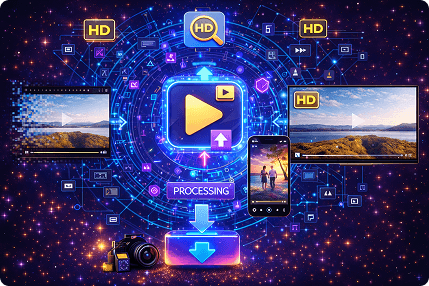
Best-Available Story Quality (HD When Available)
ClipsSaver detects the highest quality Instagram provides for the specific Story link. Quality may vary depending on how the Story was uploaded and how Instagram delivers media across devices and regions.

Story Videos in a Widely Compatible Format
When the Story is a video, you can download it in a standard format that plays easily on phones and tablets, laptops and desktops, and common editing apps and software.

Full-Size Story Images
Download Story photos in a clear, shareable format for moodboards and references, archiving your own content, and creative research and learning.

Preview Before You Download
Previewing helps you confirm the Story content first—especially useful for multi-slide Stories and Highlights.

100% Browser-Based
ClipsSaver works online with no app installs, no extensions or plugins, and works in Chrome, Safari, Firefox, Edge, and other modern browsers.
Privacy-Minded Design (No Password Needed)
ClipsSaver does not require your Instagram login. You provide a public link you can already access. For details about cookies, logs, or site analytics used for security and performance, see our Privacy Policy.
Key Benefits
Best-available quality from the source
HD when available
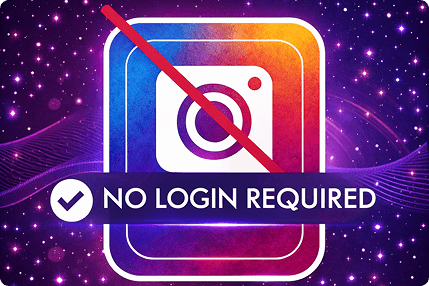
No Instagram login required
We never ask for your password
No apps, extensions, or installs
Works directly in your browser
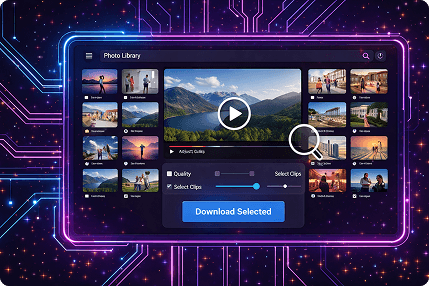
Preview before downloading
Choose exactly what you want
Mobile + desktop friendly
Easy Story download anywhere
Works for Story videos + Story images
And public Highlights you can access
Built for responsible, permission-based use
Respects privacy and creator rights
What ClipsSaver Supports (and What It Doesn’t)
- Public Story videos you can access normally
- Public Story images you can access normally
- Public Highlights when Instagram provides a shareable link in a compatible format
- Private accounts you can't access
- Restricted/blocked content
- Expired or deleted Stories
- "Unlocking" hidden content (ClipsSaver doesn't do that)
Common Issues (Quick Fixes)
Link doesn't work
Check that the Story is public, the link is copied correctly, and the Story is still available (Stories can expire).
Download option doesn't appear
Refresh the page, try a different browser, or copy the link again. Instagram sometimes serves content differently across devices and browsers.
Quality looks lower than expected
The source Story may be compressed or uploaded in lower resolution. ClipsSaver can only download what Instagram provides for that link.
Who Uses ClipsSaver?
Creators & influencers
Save your own Stories to repurpose into Reels, Shorts, or long-form video
Social media managers
Back up campaign assets and organize references
Marketers & agencies
Collect examples for strategy decks, reports, and pitches (with permission)
Editors & educators
Save visual content for lessons, tutorials, and presentations (with permission)
Everyday users
Keep memorable public Stories from brands or events for offline viewing
Safety, Privacy & Responsible Use
ClipsSaver is designed for responsible use:
- It supports public content you can access normally
- It does not bypass private accounts or restricted content
- It never asks for your Instagram password
- It doesn't claim ownership of Instagram content
You are responsible for having the right to download, save, or reuse any Story. Always respect:
- Instagram's terms
- local copyright rules
- the creator's rights and privacy
Frequently Asked Questions
Answers to frequently asked questions about saving Instagram Stories before they expire, including Highlights, quality, and device support.
Don't Let Stories Disappear
Save Instagram Stories and Highlights before they're gone. Quick, easy, and works on any device.